Edit any webpage
with AI
Save any page from your browser, upload it, and describe the changes you want. Editra rewrites the HTML for you in real-time.
Try it out
See it in action
A real webpage loaded into the editor. Pick a prompt and watch.
AI Assistant
Pick a prompt below to
see Editra in action
Try a prompt
How it works
Three steps to a redesigned page
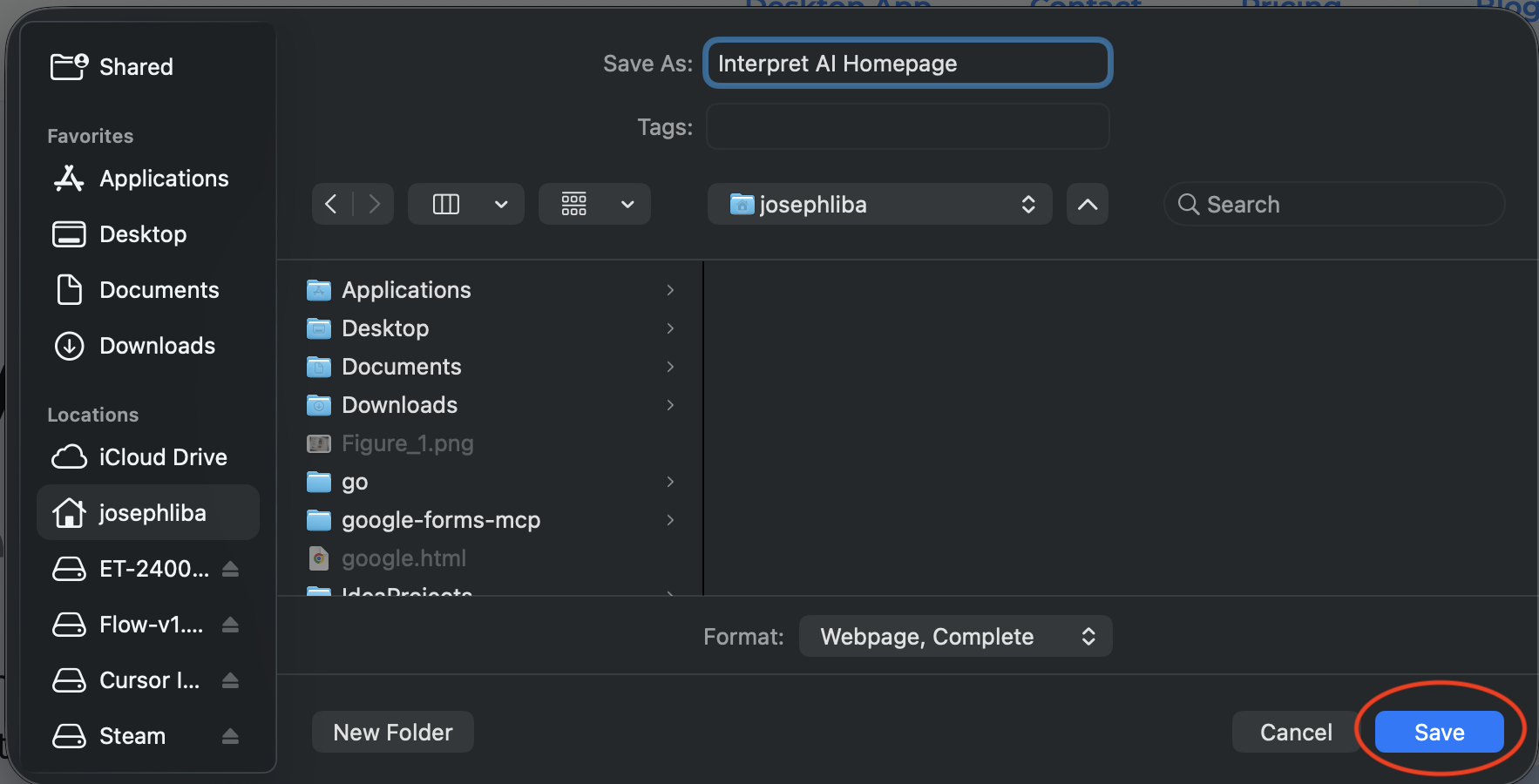
Save the page
Open any webpage in Chrome. Press Ctrl+S (or Cmd+S) and save as 'Webpage, Complete'.
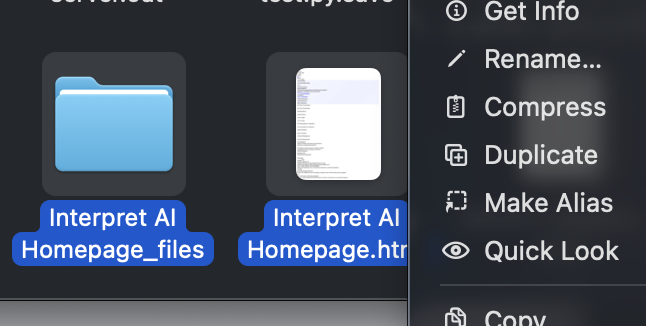
Zip & upload
Select the .html file and the _files folder together, right-click and compress to .zip. Then drag it onto Editra.
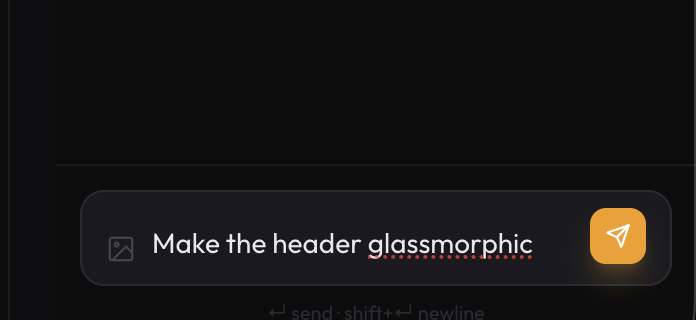
Describe your changes
Tell the AI what you want: 'Make the hero bigger', 'Change the color scheme to dark blue', 'Add a testimonials section'. It edits the HTML live.
Real-time preview
See every change the AI makes instantly in a live browser preview, side by side with the chat.
Undo & redo
Every edit creates a snapshot. Step backward and forward through your entire change history.
Diff between versions
Compare any two snapshots side by side to see exactly what changed, with an AI-generated summary.
Export & copy
Download the edited page as a zip, or copy the diff as agent instructions for your production codebase.